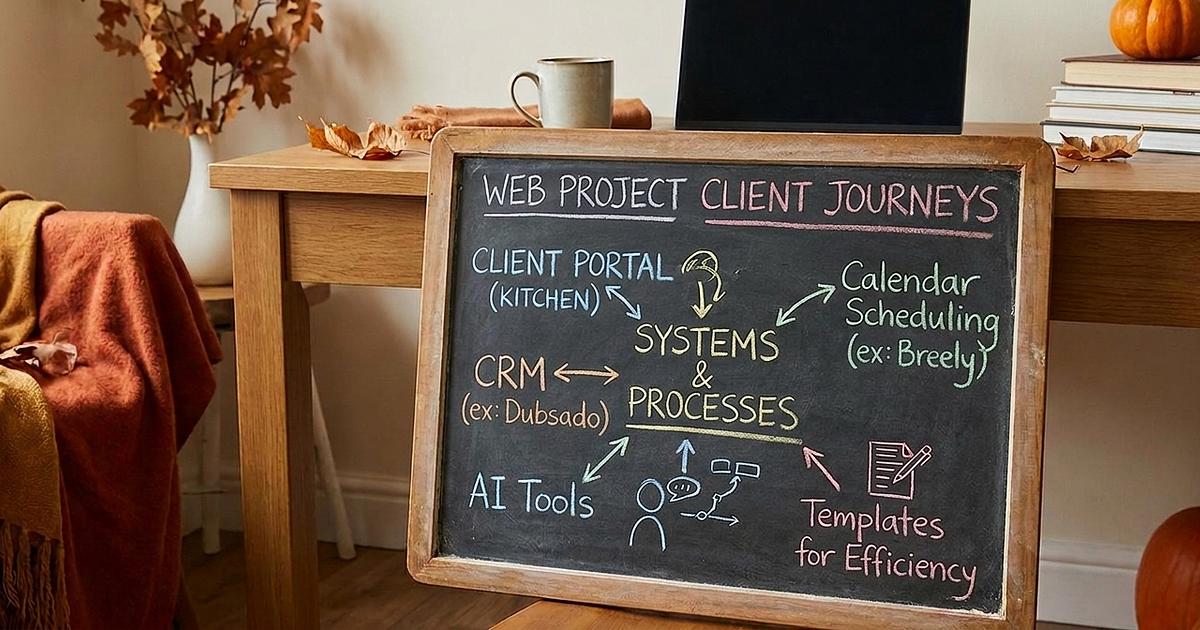
Ultimate Client Portal System Part 2 – Systems & Processes
All the templates, checklists, and setup guides to create your operational workflows & backend systems for website projects.
What's inside
Content Collection & Portal Setup
Portal Setup Guide with copy/paste task templates
Project templates for website builds & VIP Days
Portal welcome video for clients
Website content workbook (Tally form template)
AI prompts to help clients fill it out
Service Systems & Processes
Booking process map, from inquiry to review
Contact form templates (Tally, Kitchen & Dubsado)
Bad-fit lead email templates
Breely scheduling basics + availability calendar
Zapier templates that auto-create Kitchen folders
SEO updates tracker for redesigns
Client review form templates
Client resource hub
Website feedback & client tutorial tips
Basic support ticketing in Kitchen
Client WhispererGPT (your custom AI for tricky client replies)
Tech stack roundup: rated tools across 25+ categories
Bonuses
Canva templates
Google Workspace alias tips
Dubsado setup resources
Email signature & website templates for clients
Plus optional quizzes at the end of each module, so you can check your confidence level before moving on.
FAQs
Do I need Part 1 first? Not if you already know your way around Kitchen. Part 2 focuses on systems and processes, and it assumes you're comfortable in Kitchen. If you've never used it (or the settings still make your eye twitch), Part 1 walks you through the tech one feature at a time.
Do I have to use Kitchen? The portal setup lessons are built for Kitchen. The booking process, forms, email templates, Client WhispererGPT and tech stack roundup work no matter which portal you use.
What other tools does this use? Lessons cover Tally, Breely, Dubsado and Zapier, but you don't need all of them. The Tally form works on Tally's free plan, there's a Zapier template that works on the free plan too, and the rest are there for when you're ready (not a requirement to get started).
Who is this for? Solo web designers who are booking client projects (or getting ready to) and are tired of running everything out of their inbox. You don't need years of experience, just clients you want to take better care of.